Remote access that keeps your business secure, fast, and in control.
Kntrol Remote Access helps IT teams support users, servers, laptops, and remote endpoints with encrypted sessions, permission controls, auditing, and enterprise-grade access governance.
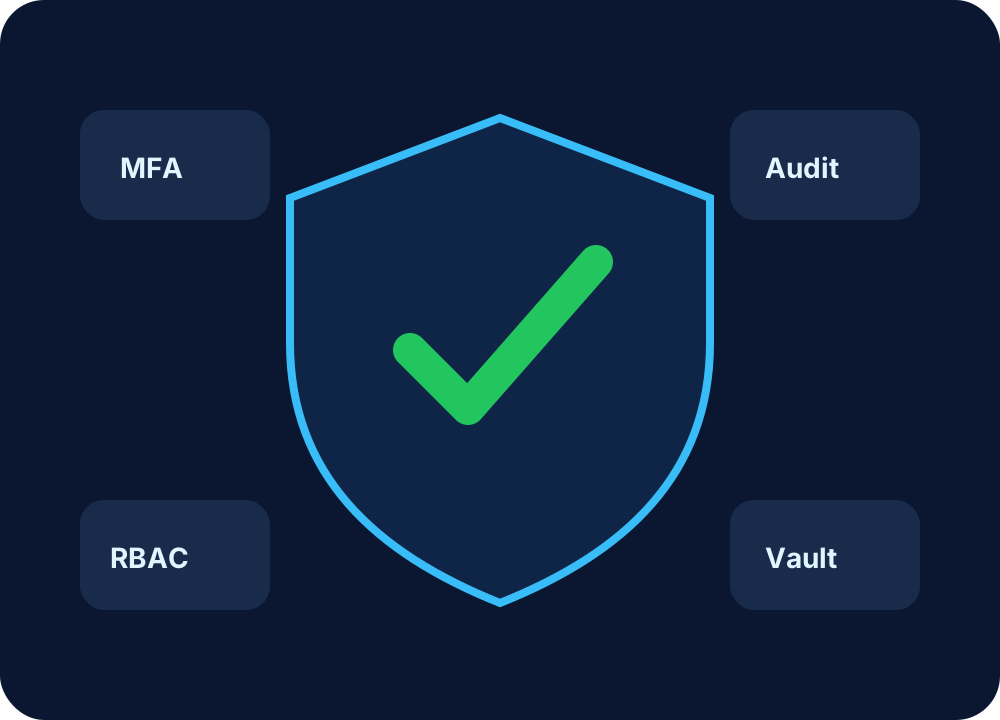
Role-based control, logging, and device verification enabled.
Built for remote IT support, helpdesk, and managed services.
Give support teams the tools they need while keeping access controlled, monitored, and compliant.
Attended & Unattended Access
Connect to employee devices, branch systems, and servers with secure session workflows.
Access Governance
Use roles, permissions, approval flows, and policy-based controls before allowing access.
Session Audit Trail
Track who connected, when they connected, what endpoint they accessed, and session activity.
File Transfer Control
Allow, block, or audit file movement during remote support sessions.
Keyboard & Mouse Control
Support users with full-control, view-only, or elevated control modes based on policy.
Multi-tenant Ready
Designed for enterprises and MSPs managing multiple customers, sites, and teams.
Remote access with enterprise-grade confidence.
Unlike basic screen sharing, Kntrol RA is positioned for controlled remote access, user support, endpoint governance, and auditable operations.
Know who is connecting and which endpoint is being accessed.
Designed for helpdesk, IT admins, and enterprise support teams.
Auditing and access records help support internal security requirements.
How Kntrol Remote Access works
A simple workflow for users and support engineers.
Register
Create a company account and onboard your support users.
Install
Download and install the KRA application on supported devices.
Connect
Use the generated device ID and password or approved unattended access.
Support
Control, troubleshoot, transfer files, and record access activity.
Deploy secure remote support for your organization.
Download the application or contact our team for enterprise onboarding.